
Headshots
Remove the background from a headshot.
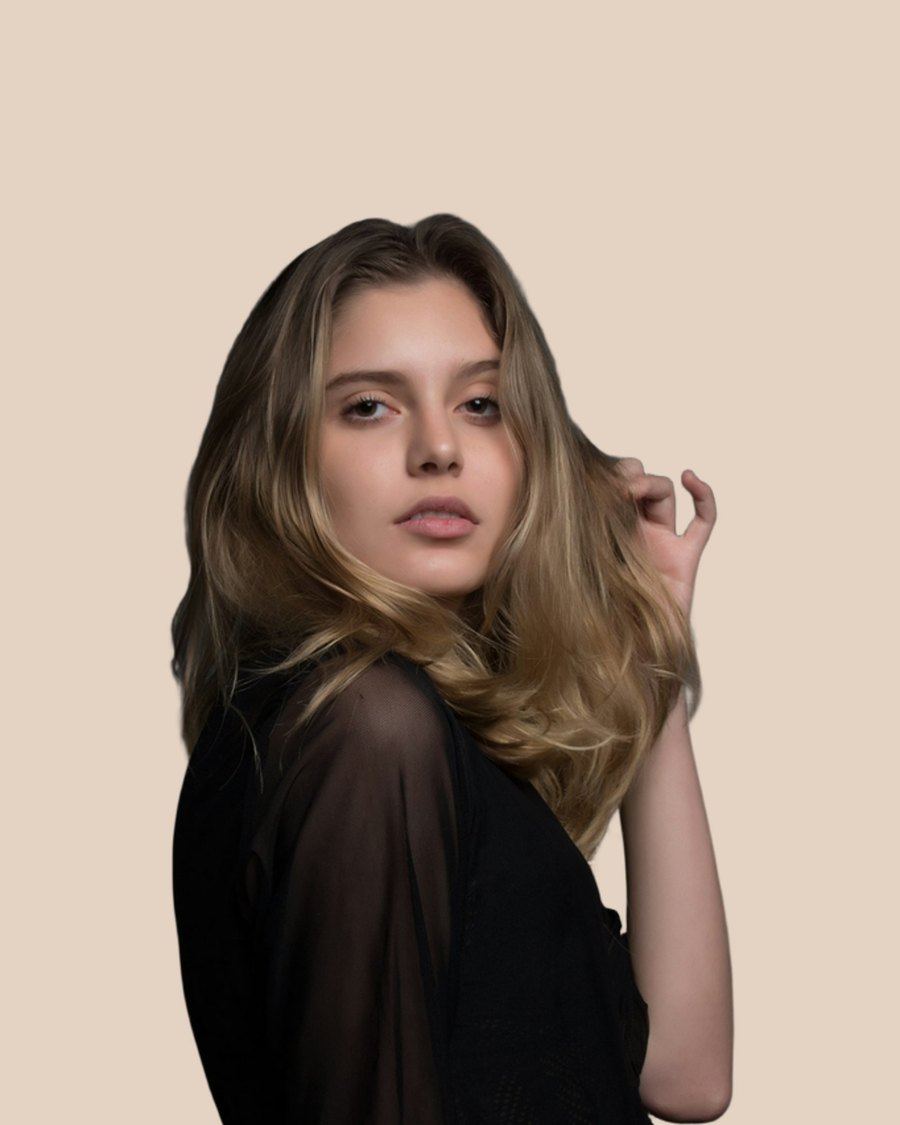
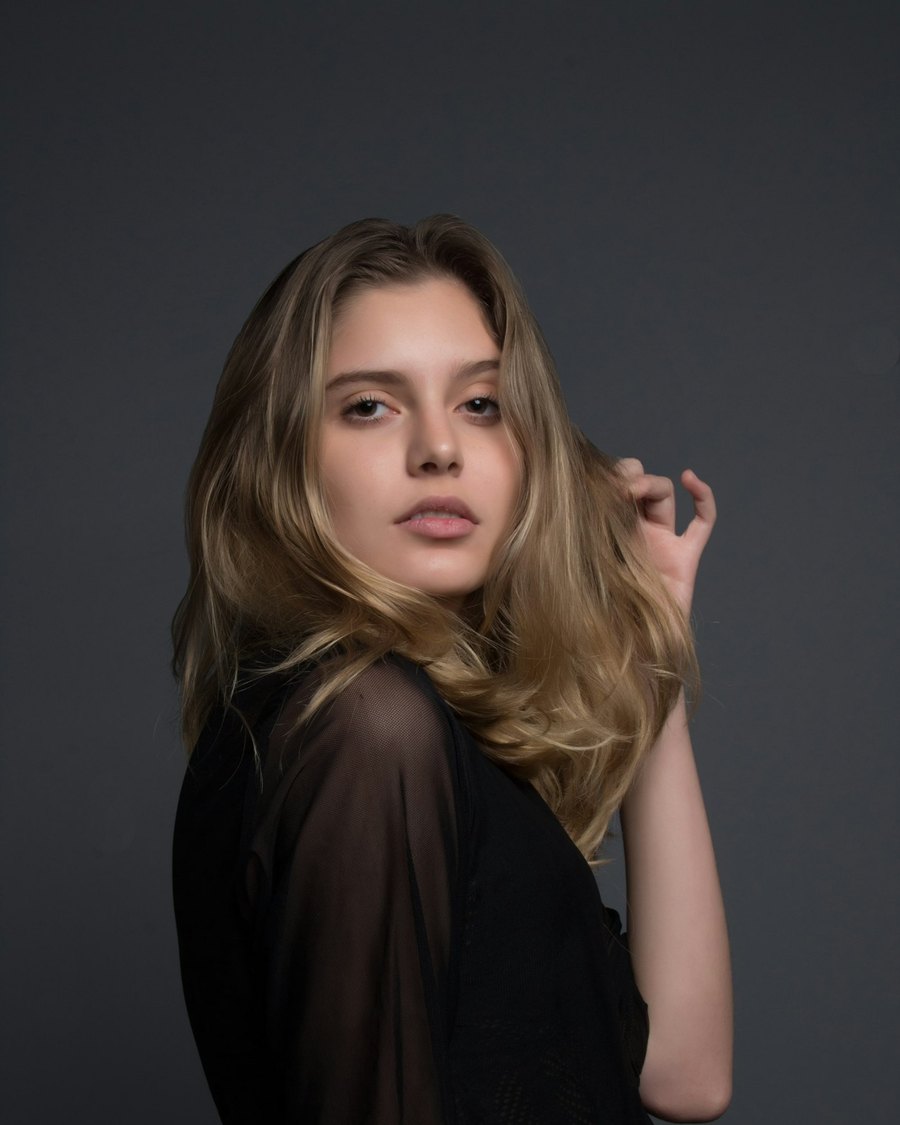
A usable headshot is the person, not the office plant. Upload the photo. Keep the face. Place them on a clean color or a simple studio tone.
Drop an image here
PNG or JPG, up to 20MB. Free images are resized to 800px before they upload.
Paste from clipboard, or tap to choose from camera / gallery.
By uploading you agree to our Terms
For profiles that have to look consistent
LinkedIn, company directories, speaker pages, and school staff lists look better when every headshot sits on the same field. Cut the originals, then drop each PNG onto one shared background.
Keep it looking like a photograph
The goal is a natural edge around hair and shoulders, not a sticker. A well-lit phone portrait is enough. You do not need a studio rental for an internal team page.
After you download
Place the PNG on a soft gray, a brand color, or white. Crop to the ratio the platform wants. Official ID photos still have their own size and color rules.
Answers before you start
What
What this tool does
A usable headshot is the person, not the office plant. Upload the photo. Keep the face. Place them on a clean color or a simple studio tone.
When
When it is the right job
LinkedIn, company directories, speaker pages, and school staff lists look better when every headshot sits on the same field. Cut the originals, then drop each PNG onto one shared background.
Why
Why that matters
The goal is a natural edge around hair and shoulders, not a sticker. A well-lit phone portrait is enough. You do not need a studio rental for an internal team page.
Straight answers.
Can I use a casual phone selfie?+
Yes if the face is sharp and not crushed against a busy wall. Even light beats a harsh overhead lamp.
Will glasses cause problems?+
Clear frames usually stay. Strong reflections on the lenses can confuse the edge. Tilt the face slightly if that happens.
Is this for passport photos?+
It can remove the room behind you. You still have to match the official background color and crop.
How do I remove a background?+
Upload a PNG or JPG on this page. Processing starts automatically. Download the transparent PNG when it appears.
What do free previews include?+
Guests can try a couple of images. Those results are resized so you can see the cut before signing in.
Is the paid file higher quality?+
Yes. Lite and Pro keep full resolution. Free previews are limited so the first look stays fast.
Do I need an account?+
Not for a first try. Sign in if you want more images, full resolution, and files saved in My Images.
How long do you keep my files?+
Free files expire after 3 days. Lite keeps them 30 days. Pro keeps them 60 days.
Pages people actually search.
Remove the background from a portrait.
Keep the face and the clothes. Drop the wall, the office, or the crowded street. Hair is the hard part — this tool is built for it.
Remove the background from an image.
Upload a photo. The subject stays. The background is gone. Download a transparent PNG and drop it onto a listing, a post, or a slide.
Make a transparent PNG from a photo.
A transparent PNG keeps the subject and throws the backdrop away. That is the file designers, sellers, and social posts actually use.