
Pets
Remove the background from a pet photo.
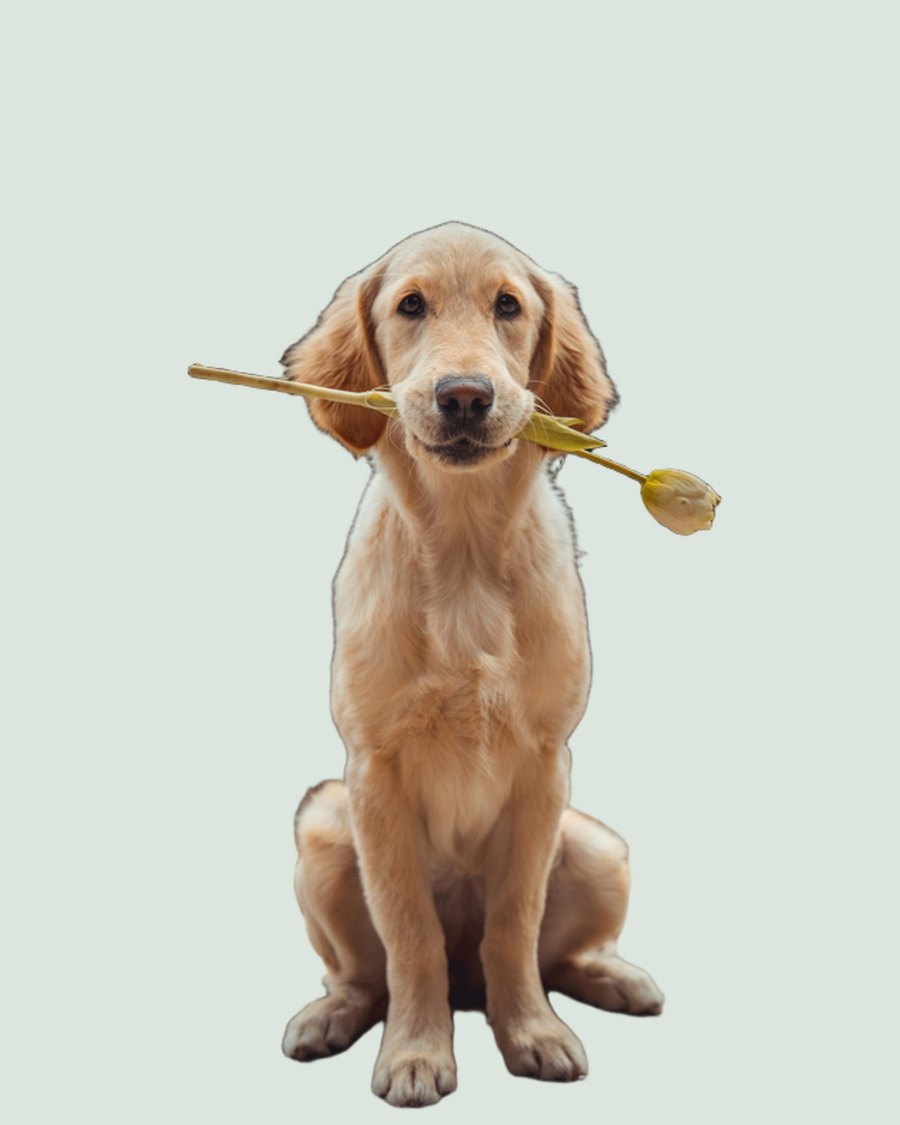
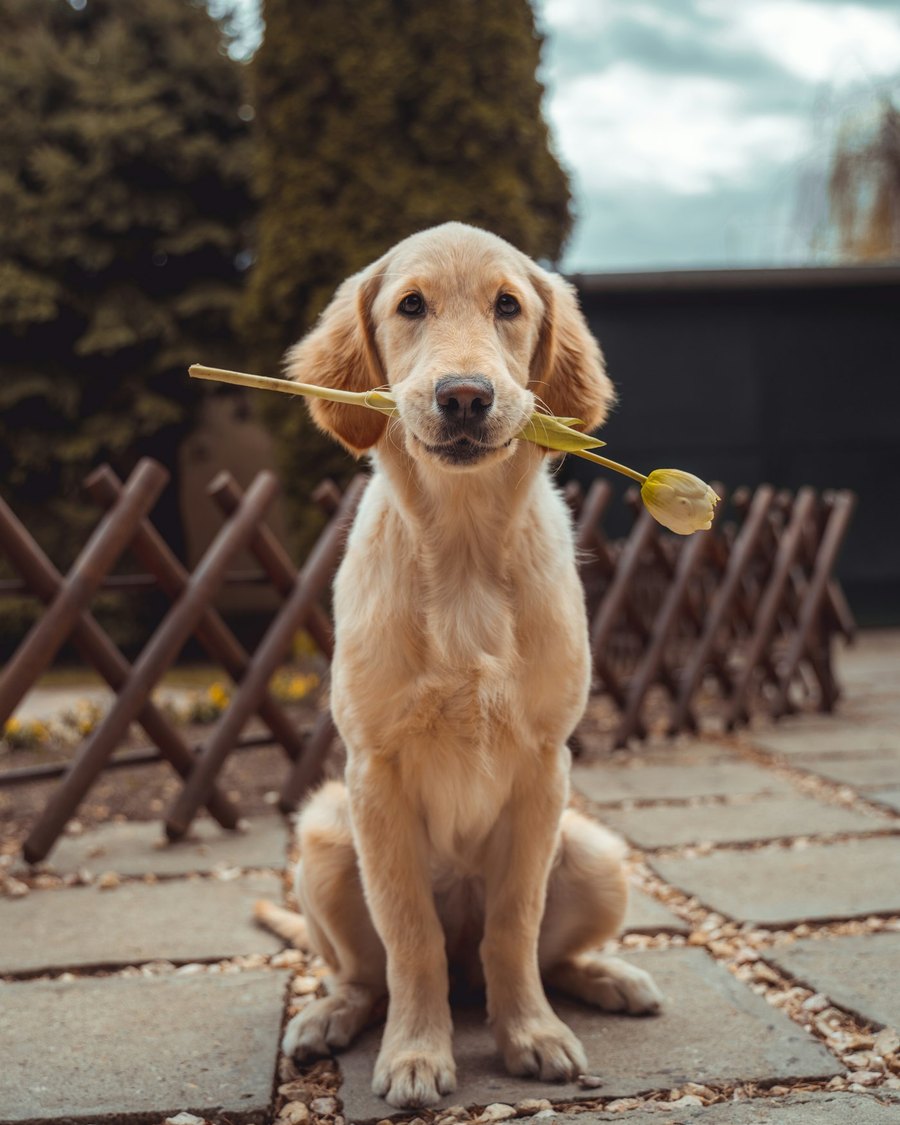
Fur is the reason most editors fail. Upload the photo. Keep the animal. Leave the sofa, the grass, and the living room behind.
Drop an image here
PNG or JPG, up to 20MB. Free images are resized to 800px before they upload.
Paste from clipboard, or tap to choose from camera / gallery.
By uploading you agree to our Terms
Built for fur
Dogs, cats, and other pets do not have a clean outline. The model is trained to keep whiskers and coat edges instead of boxing the animal in a hard mask.
Useful for
Pet-shop listings, adoption posts, vet pages, and personal portraits. Place the pet on a studio color or a simple indoor scene without another photoshoot.
Photo tips
Get closer. Fill the frame with the animal. Outdoor shade or a bright room works better than a dark couch against a dark wall.
Answers before you start
What
What this tool does
Fur is the reason most editors fail. Upload the photo. Keep the animal. Leave the sofa, the grass, and the living room behind.
When
When it is the right job
Dogs, cats, and other pets do not have a clean outline. The model is trained to keep whiskers and coat edges instead of boxing the animal in a hard mask.
Why
Why that matters
Pet-shop listings, adoption posts, vet pages, and personal portraits. Place the pet on a studio color or a simple indoor scene without another photoshoot.
Straight answers.
Does it work on long fur?+
Yes, that is the main case. A sharp photo still beats a blurry one.
Can I cut two pets in one image?+
If both animals are clear and not tangled together, yes. If they overlap heavily, photograph them one at a time.
What file do I get?+
A transparent PNG of the pet, ready to drop onto a new background.
How do I remove a background?+
Upload a PNG or JPG on this page. Processing starts automatically. Download the transparent PNG when it appears.
What do free previews include?+
Guests can try a couple of images. Those results are resized so you can see the cut before signing in.
Is the paid file higher quality?+
Yes. Lite and Pro keep full resolution. Free previews are limited so the first look stays fast.
Do I need an account?+
Not for a first try. Sign in if you want more images, full resolution, and files saved in My Images.
How long do you keep my files?+
Free files expire after 3 days. Lite keeps them 30 days. Pro keeps them 60 days.
Pages people actually search.
Remove the background from an image.
Upload a photo. The subject stays. The background is gone. Download a transparent PNG and drop it onto a listing, a post, or a slide.
Make a transparent PNG from a photo.
A transparent PNG keeps the subject and throws the backdrop away. That is the file designers, sellers, and social posts actually use.
How to remove a background from an image.
Three steps. No desktop editor. No selection tools. This is the method we use on RemoveToBe.