
Guides
Pages people actually search.
Each guide is a real job: product photos, portraits, pets, white backgrounds, and transparent PNGs.

Background remover
Remove the background from an image.
Upload a photo. The subject stays. The background is gone. Download a transparent PNG and drop it onto a listing, a post, or a slide.
Open guide
Ecommerce
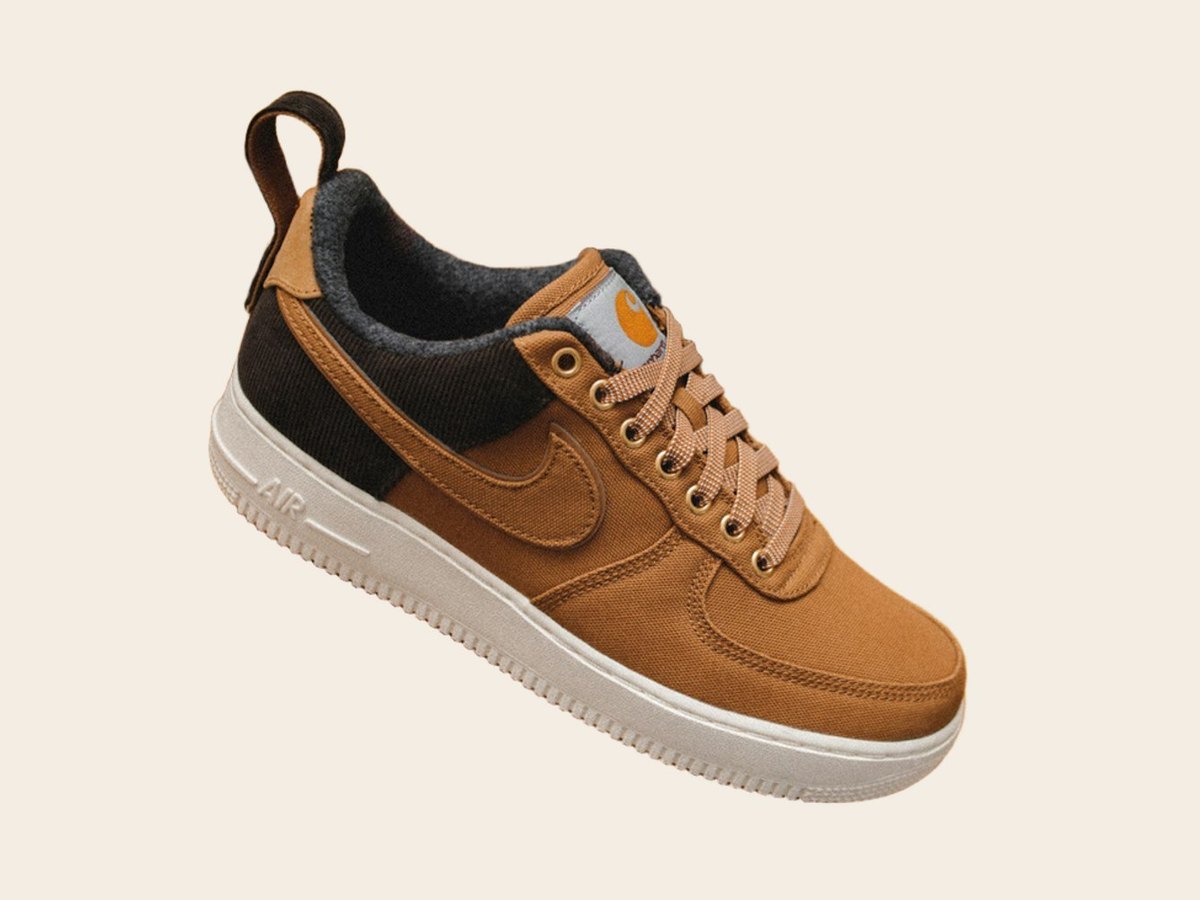
Remove the background from a product photo.
A listing needs a clean subject, not the kitchen table. Upload the phone photo. Keep the product. Drop the PNG onto white, color, or a simple scene.
Open guide

People
Remove the background from a portrait.
Keep the face and the clothes. Drop the wall, the office, or the crowded street. Hair is the hard part — this tool is built for it.
Open guide

Pets
Remove the background from a pet photo.
Fur is the reason most editors fail. Upload the photo. Keep the animal. Leave the sofa, the grass, and the living room behind.
Open guide

White backgrounds
Remove a white background — or make one.
Some photos already sit on white and still need a clean cut. Others need the subject lifted so you can put it on white for a marketplace.
Open guide
Transparent PNG
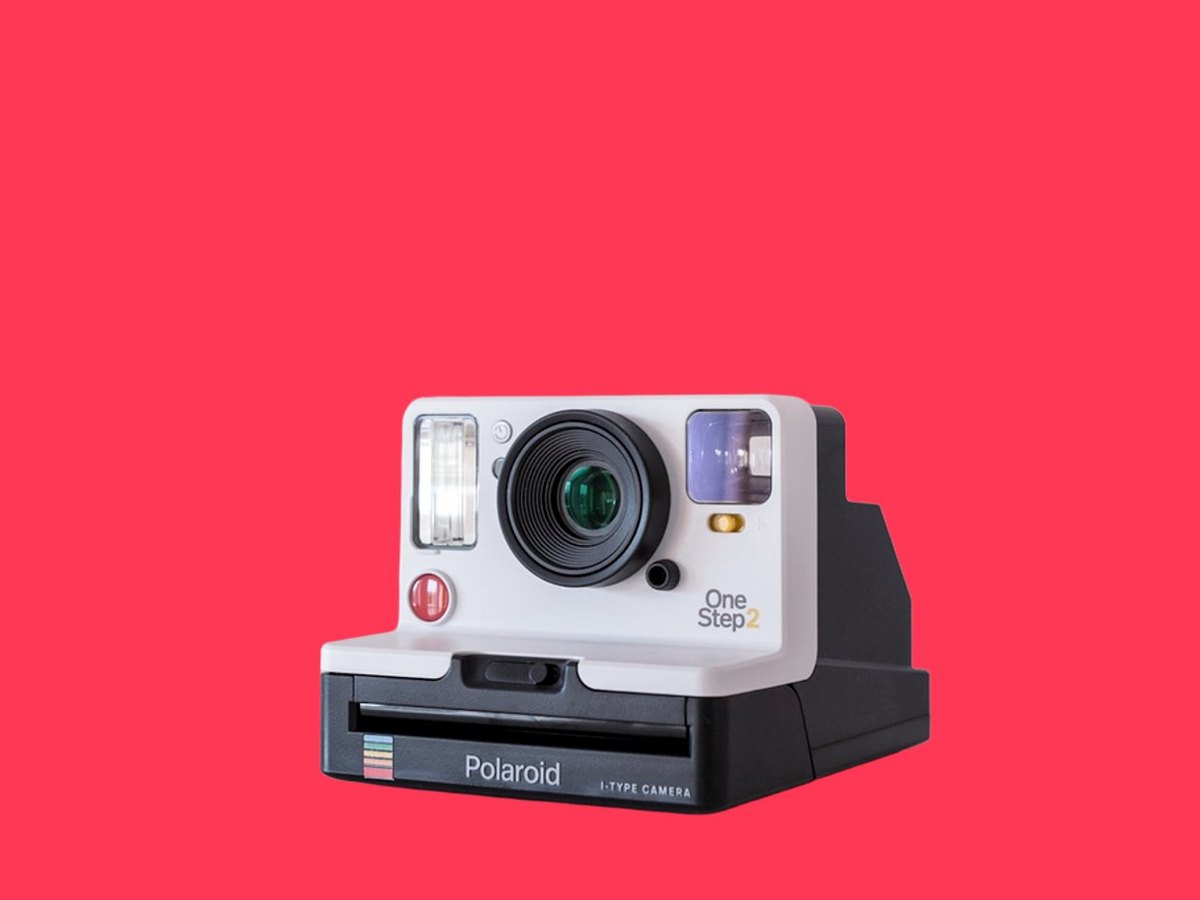
Make a transparent PNG from a photo.
A transparent PNG keeps the subject and throws the backdrop away. That is the file designers, sellers, and social posts actually use.
Open guide
How to
How to remove a background from an image.
Three steps. No desktop editor. No selection tools. This is the method we use on RemoveToBe.
Open guide
Headshots
Remove the background from a headshot.
A usable headshot is the person, not the office plant. Upload the photo. Keep the face. Place them on a clean color or a simple studio tone.
Open guide

Cars
Remove the background from a car photo.
Listings and ads look better when the car is the only subject. Upload the photo. Keep the vehicle. Drop the street, the lot, or the garage.
Open guide
Answers before you start
What
What this tool does
Each guide is a real job: product photos, portraits, pets, white backgrounds, and transparent PNGs.
When
When it is the right job
A listing needs a clean subject, not the kitchen table. Upload the phone photo. Keep the product. Drop the PNG onto white, color, or a simple scene.
Why
Why that matters
Three steps. No desktop editor. No selection tools. This is the method we use on RemoveToBe.